Installation
Activation
Usage
qmonicator.com
1. Installation and Activation
This process is done only once, during the first use of the application on a new computer. The system links your account to the device's hardware.
2. Creating
Your PIN
After confirmation, a special security window (Rust) will open for creating a PIN. This PIN is the key to your digital safe. Do not forget it.
Main PIN
Must be at least 6 digits long. It is used for daily access and decryption of your local database.
Duress PIN (Optional)
PIN for coercion. If someone forces you to unlock the application, enter this PIN. The application will "unlock" but will permanently delete all data in the background.

Security first: The PIN is not stored anywhere in readable form.
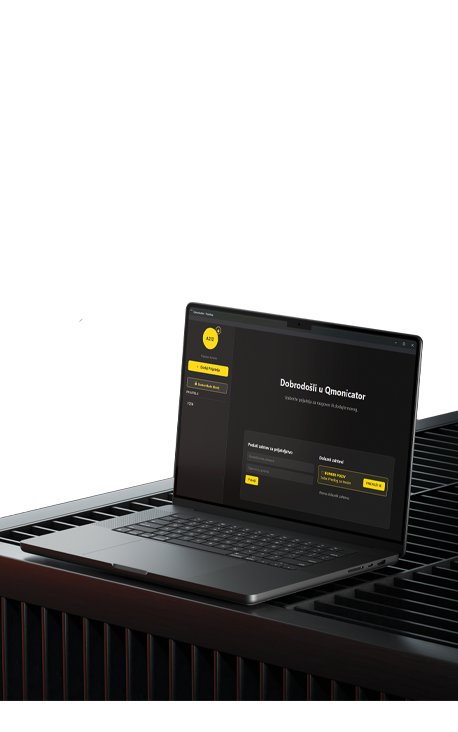
every day.

3. Daily Login
4. Adding
Friends
The system uses "Out-of-Band" verification. To add someone, you must know their username and a pre-agreed Secret Word.
Only when both parties enter the same secret word does the exchange of public keys occur. This prevents "Man-in-the-Middle" attacks.

Sending Request
Enter Username + Secret Word

Accepting
Enter the same Secret Word to confirm
means the server knows nothing.
5. Communication and Files
Sending Messages
Messages are encrypted with the friend's public key. The server does not know who is sending or what is being sent (users have random IDs, e.g., F1111).
Sending Files
The file is encrypted with a session key, which is then encrypted with the recipient's public key. Only the recipient can unlock the file.
6. Bunker Mode
For highly confidential conversations that must not leave any trace.
7. Additional Security Features:
Manual Locking
By clicking on the padlock icon, the application immediately deletes the database decryption key (db_key) from RAM memory. To continue working, you need to re-enter the PIN.
Rotating Tokens
The system uses advanced session management. Each time the session is extended, a new token is generated, and the old one immediately becomes invalid. Logout permanently deletes the session from the server.